
Double your front-end development speed with these 5 tools & tips
For the past 10 years we’ve been doing tons of front-end work, and for that time, we have found few very helpful tools that doubled the speed of front-end development process.
1. Write with Sublime Text
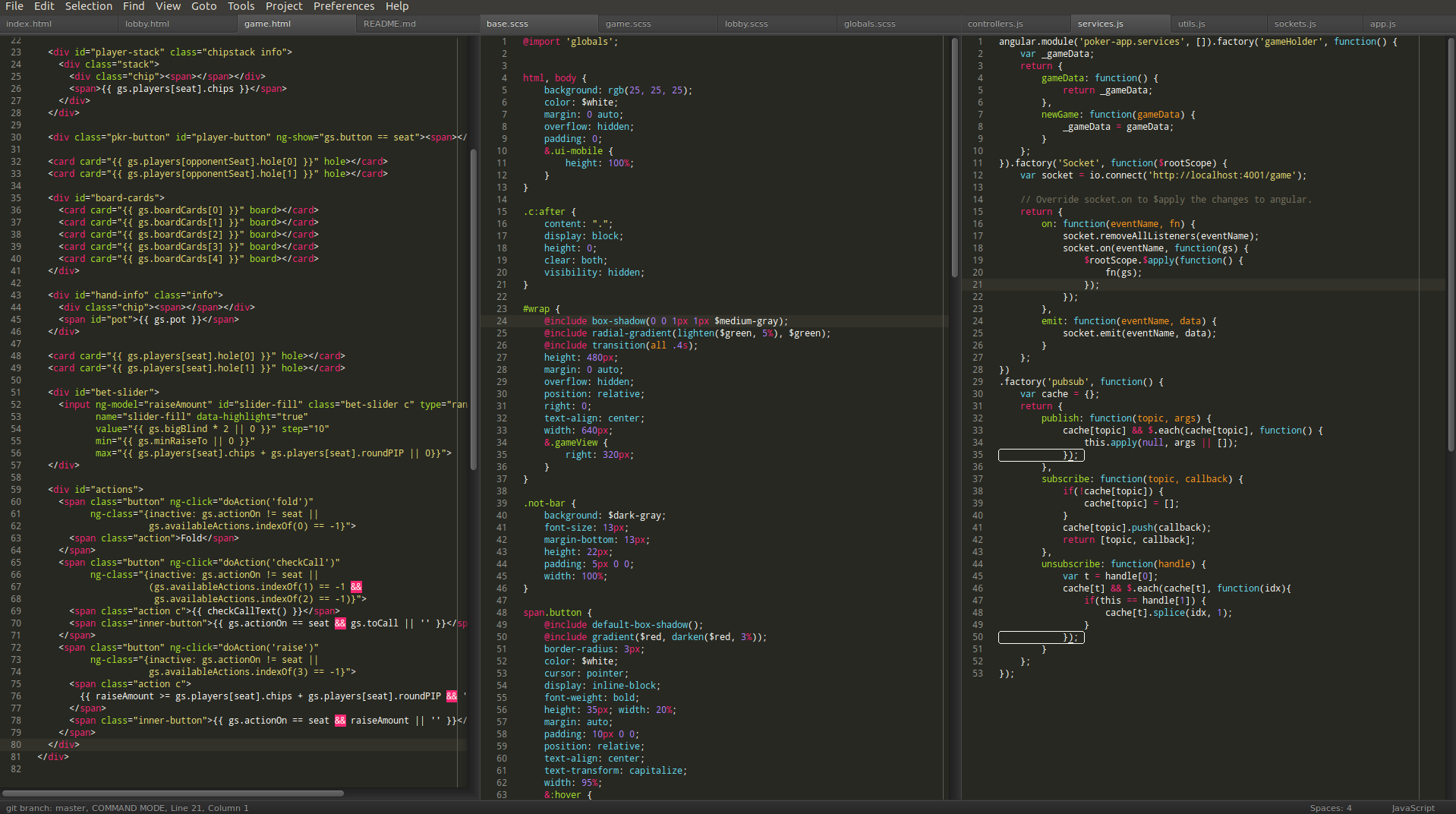
SublimeText is an ultra fast text editor that made our work so much easier and lighter. Supports a lot of features that will make you feel comfortable with your code.
Link: http://www.sublimetext.com/
2. Use Less/Sass with Prepros
Benefits of using less css or sass as css framework are so much. Once you get used to this you will never go back to writing old-school css. They come with powerful short-hand codes and functions that will decrease your source code’s line numbers with up to 30%. Reusing or developing the code that you build with less or sass is much more easier than the plain CSS code. Small example of sass:
Prepros complie all your less files into the css code you need immediately after you save.
Links:
http://lesscss.org/
http://sass-lang.com/
https://prepros.io/
3. CSS HAT for photoshop
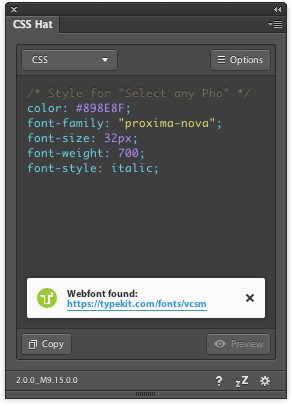
This plugin will help you turning photoshop layers into css lines of code. It takes text proerties or layers blending options and turns them into a css/less or sass code that you can simply copy and past into your text editor. Saves you tones of measures and time ot check if you have written the right gradient or box-shadow properties.
Link: https://csshat.com/
4. Cut and slice me for Photoshop
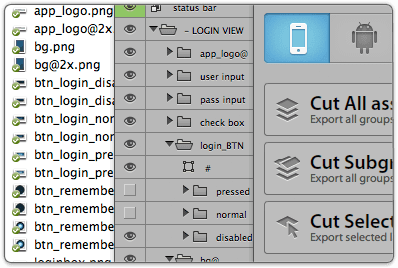
Cut and slice me provides you very easy and fun way to export all your photoshop assets into web format graphics (png/jpg), with option to export few formats for them, also retina ready for vector shapes. Really cool photoshop plugin
Link: http://www.cutandslice.me/
5. Browser Stack
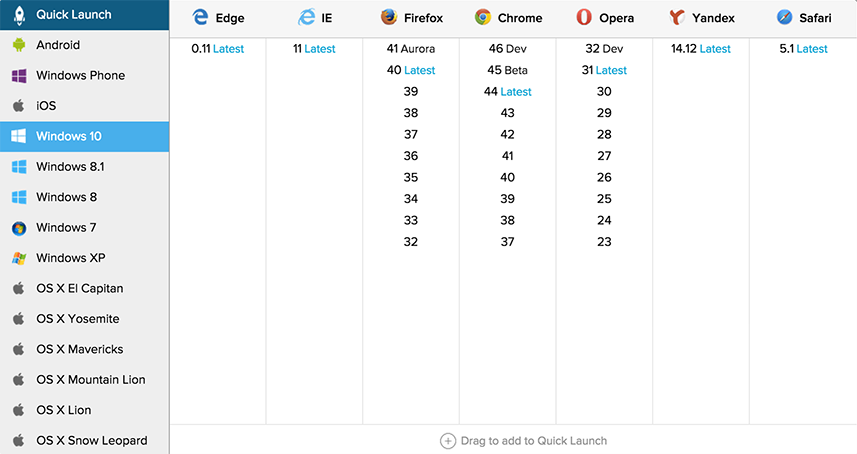
Oh man, where can i find IE 7 now to do tests.. or windows XP? Awful question, but s**t happens. The best way to have all kind of devices, OS, platforms and browsers in less than $30/month is using BrowserStack. Absolutely pays every cent of the amount when it’s a question of cross browser, device or platform testing. With the subscription you get remote access to all kind of virtual devices, OS and browser.
Link: http://browserstack.com/
That’s how we manage doing more within less time.
I would love if you share your way to work faster and easier.
Leave a Reply